

Quickstart
Have a question? Ask ChatGPT Ask Claude
This walks you from an empty account to a live website. You need nothing installed — everything happens in your browser.
-
Sign in or create an account
Open app.skael.ai and sign in. Everyone starts on the Free plan; no card is needed.
-
Describe what you want
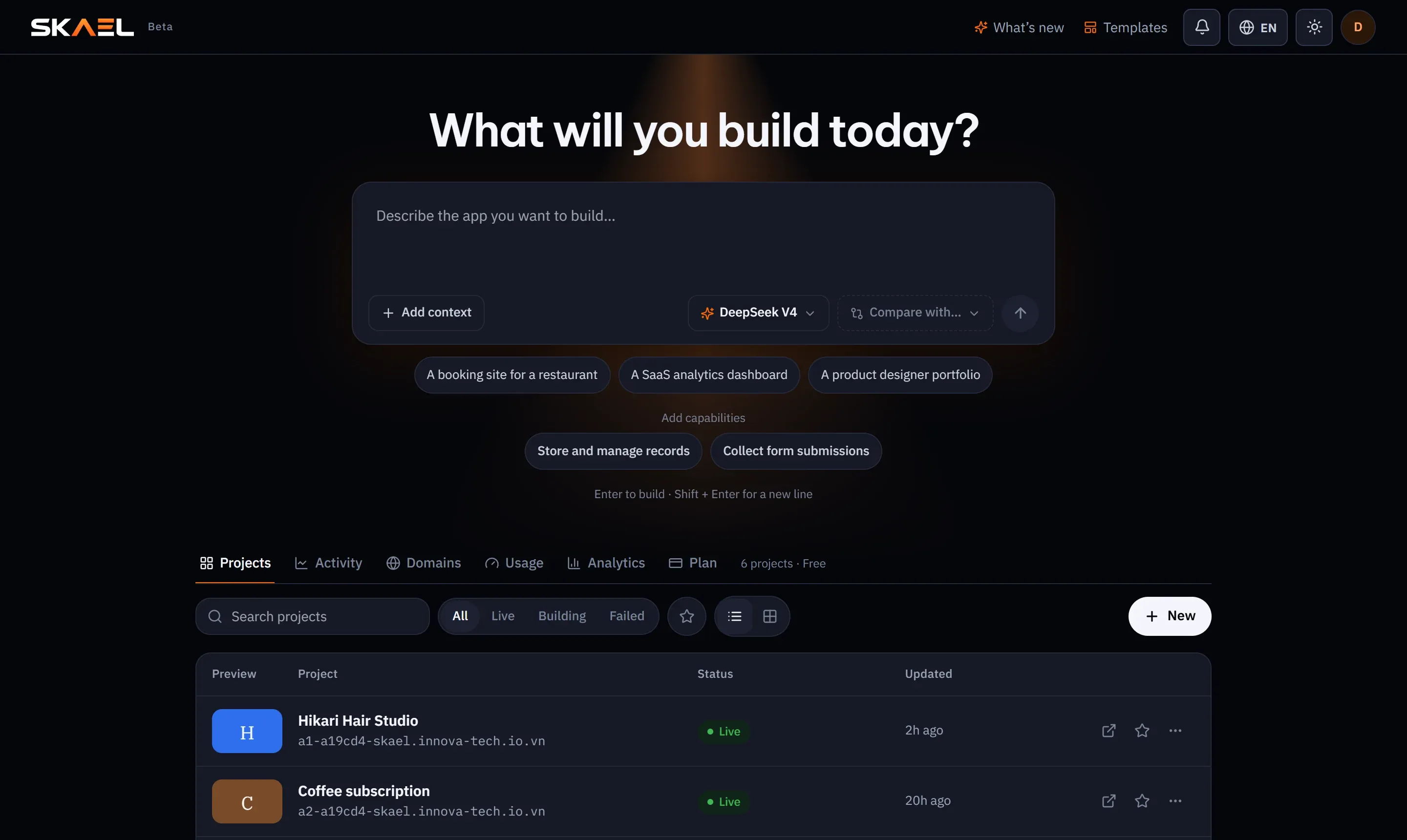
On the dashboard you see What will you build today? Type a description and press Enter (Shift+Enter adds a new line).
Example prompt A booking site for a small hair salon in Tokyo. Home page with photos andopening hours, a services page with prices, and an online booking form thatstores each booking with the customer's name, phone, service and time.A prompt needs at least a sentence or two. The more you say about who it is for, which pages it has and what data it keeps, the closer the first version will be — see Writing a good prompt.
-
Choose how to build it
SKAEL asks How should we build this app? Pick Regular (the default, on every plan) unless you are on Business and need Agent Mode. This choice is fixed for the life of the project.
-
Watch the first version appear
Your project opens in the workspace: the chat on the left, the preview on the right. The AI writes the code and starts it in a private sandbox. When it finishes you see Done — preview updated.
-
Change what you don’t like
Keep chatting (“make the header darker and add a map on the contact page”), or turn on Edit in the preview toolbar and click the exact heading, button or image you want to change. See Point and edit.
-
Publish
Press Publish. SKAEL builds your site and puts it online at a free SKAEL address with HTTPS. Every publish is saved, so you can always go back.