

Custom domains
Have a question? Ask ChatGPT Ask Claude
Custom domains are available on paid plans: Plus includes 1, Standard 2, Pro 5 and Business 20. On Free, your site uses its free SKAEL address and the Domains page offers Upgrade plan.
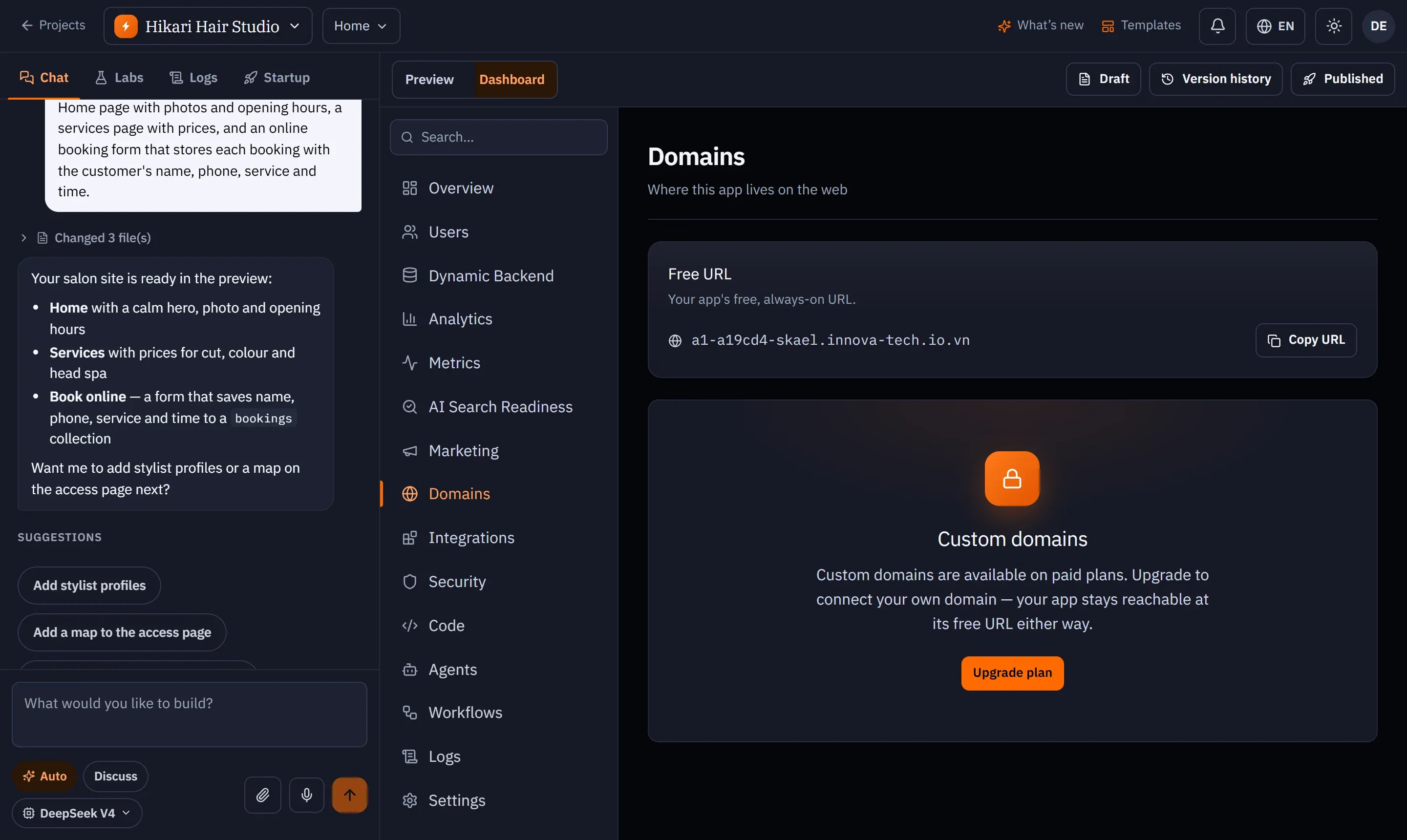
Connect a domain
Section titled “Connect a domain”- Open your project and go to Dashboard → Domains.
- Enter a subdomain you own — for example
app.yourcompany.com— and press Add domain. - SKAEL shows the DNS records to add. Copy each Name and Value and add them at your domain provider (Cloudflare, Squarespace, Onamae.com, …).
- SKAEL checks the records and issues an HTTPS certificate automatically. This can take a few minutes; the status changes from Pending DNS to Active.
When it is Active: Your domain is live and secured with HTTPS. Your free SKAEL address keeps working alongside it.
Statuses
Section titled “Statuses”| Status | Meaning |
|---|---|
| Pending DNS | Waiting for your DNS records to be found. |
| Active | Your site is served on this domain with HTTPS. |
| Failed | The domain couldn’t be validated — check the records and press Retry. |
Removing a domain
Section titled “Removing a domain”Press the remove button next to the domain and confirm. The domain stops serving your site immediately (its certificate is deleted too); your free address is unaffected.